PostHog
Measure how people use your site with events, funnels and session replays, in your own PostHog project.
Connect
- Open Settings > Connectors, click PostHog, then Connect.
- PostHog opens. Sign in and approve access for WebTwizz.
- Under Finish connecting, pick the PostHog project.
WebTwizz works out whether your project is on PostHog's US or EU cloud and sets the host for you. No keys to copy.
What you see
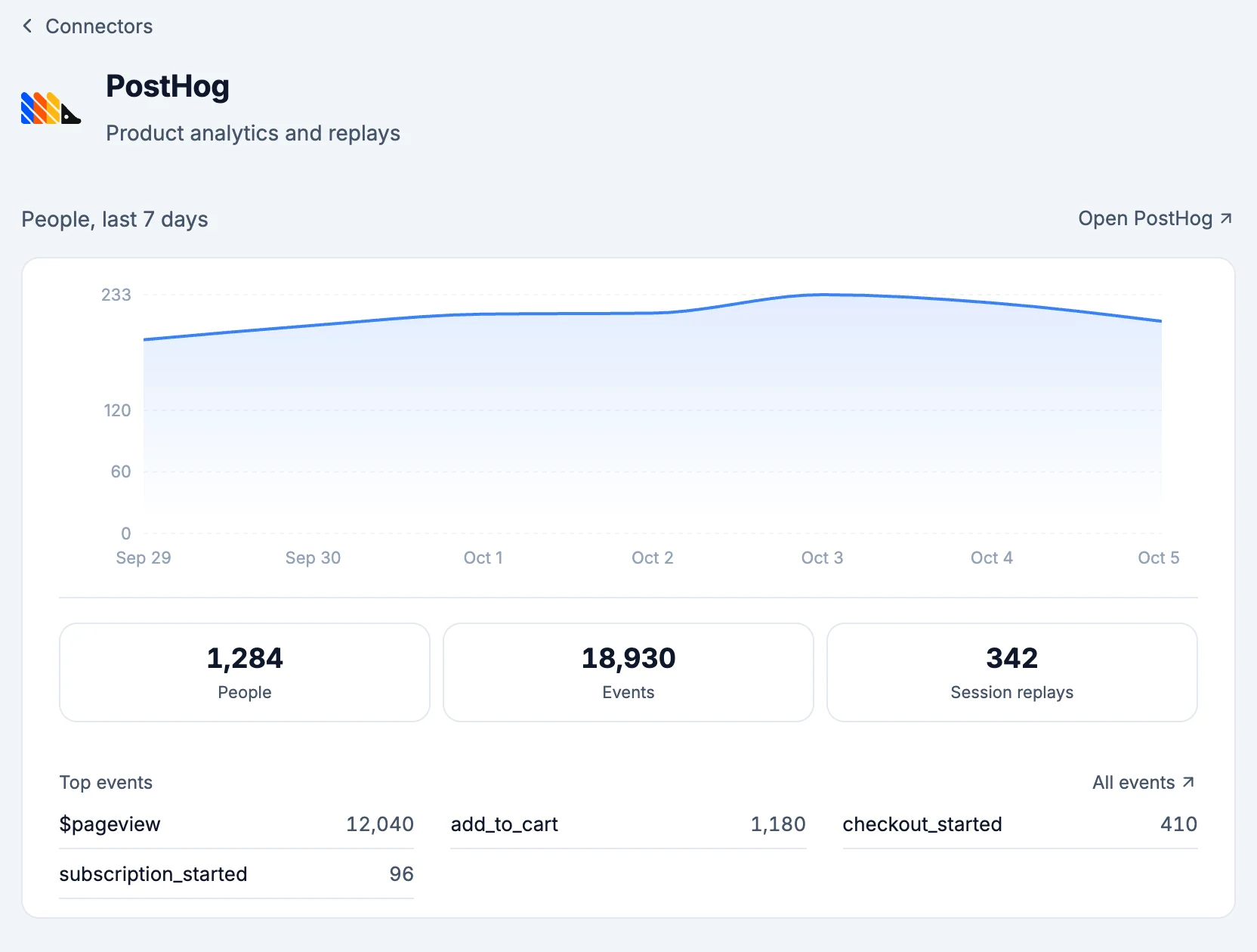
- People, last 7 days: people by day.
- People, Events and Session replays, each opening PostHog.
- Top events: your most frequent events and their counts.
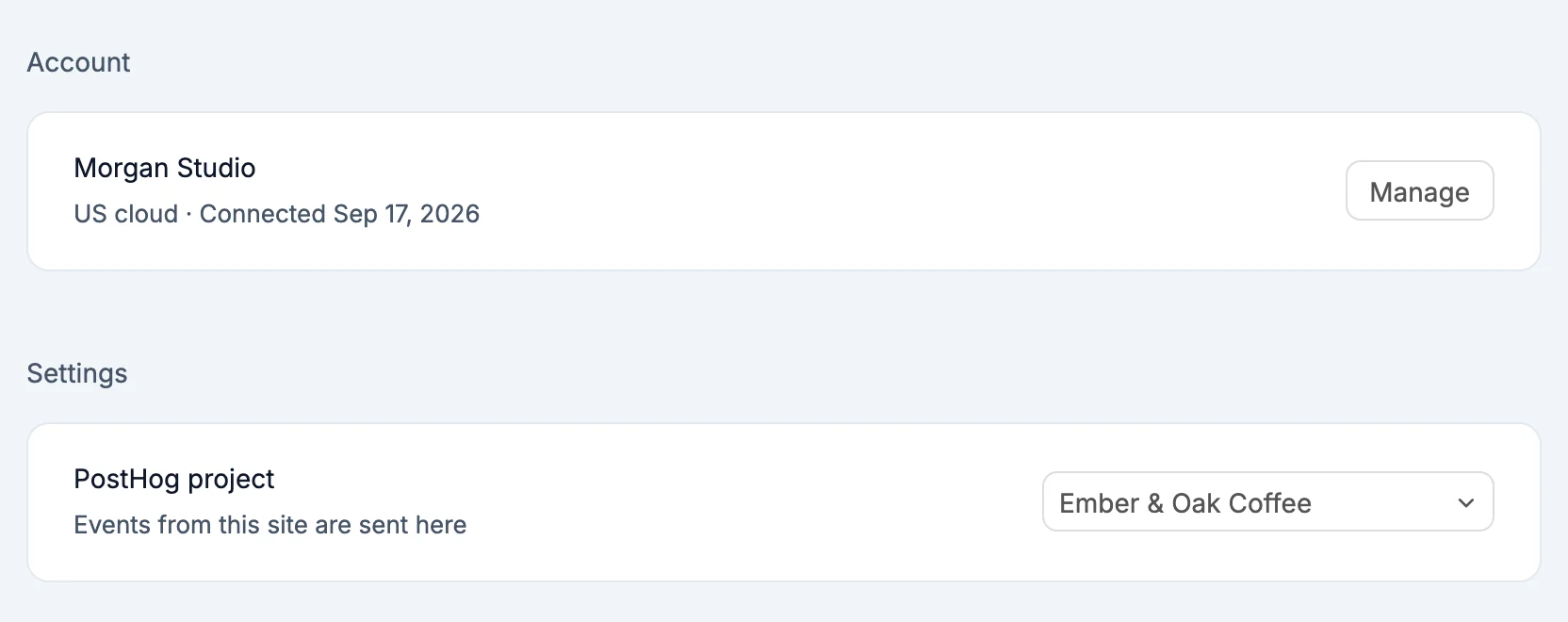
- Settings: PostHog project, where this site's events are sent. Pick another project to switch.
What the AI can do
- Read how many people came, how many events they sent and the top events, for any period up to 90 days
- Read your feature flags: which are on and how far each is rolled out
Environment variables
NEXT_PUBLIC_POSTHOG_KEY: your project API key, safe to use in the browserNEXT_PUBLIC_POSTHOG_HOST:https://us.i.posthog.comorhttps://eu.i.posthog.com, matching your project
Good to know
- PostHog accounts connected before the overview arrived don't have permission to read your data. The connector says PostHog needs one more permission. Click Connect again and approve, and your events keep flowing the whole time.
- Removing PostHog from a project takes both variables out. Your PostHog project and events are untouched.