Templates
A template is a finished project you can open, change and publish: a working website, app or game with its pages, data, auth and payments already wired. Take one as it is, or tell the AI what to make of it, and the result is your own project from the first minute.
Open Templates under Library in the dashboard sidebar.
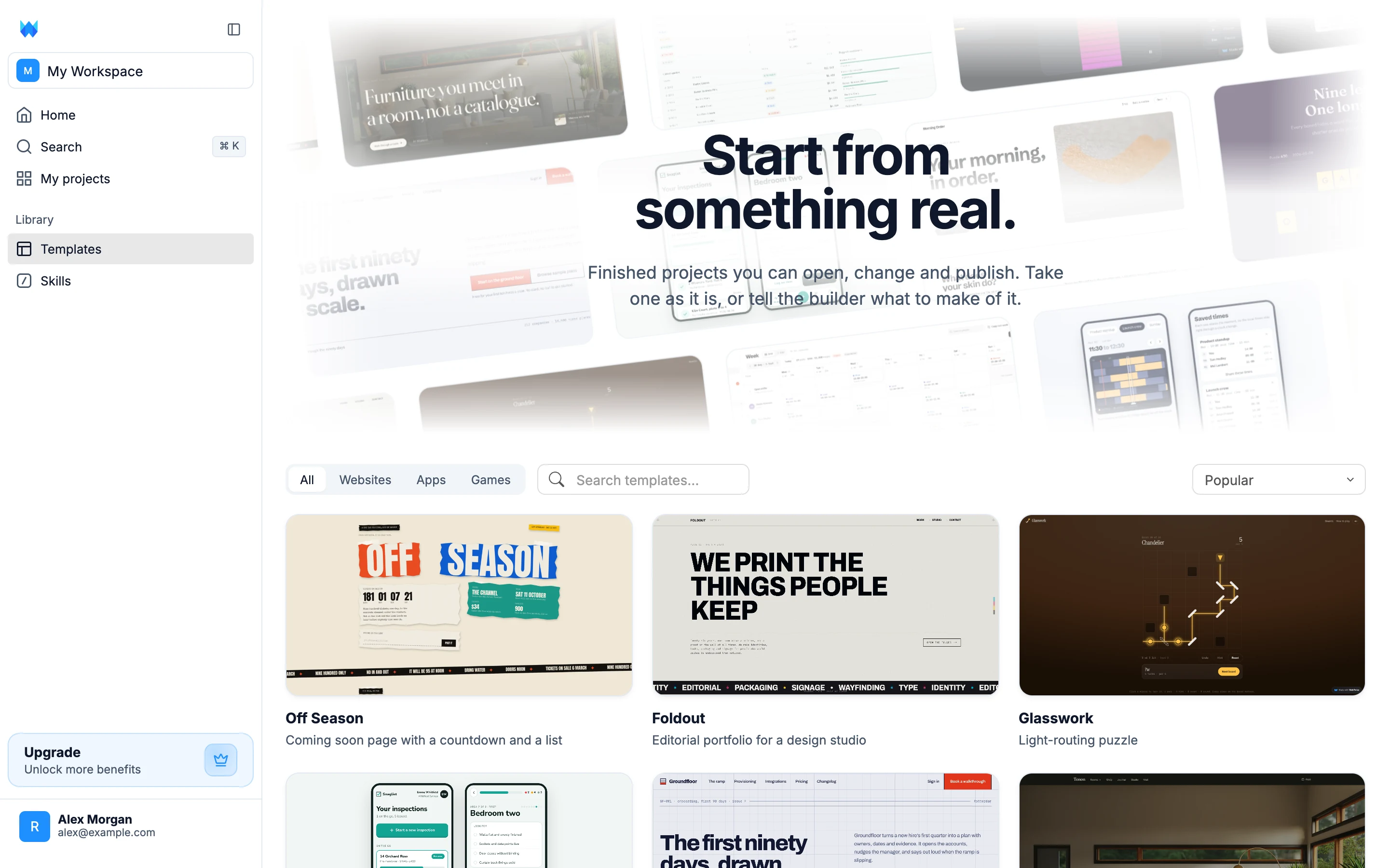
The gallery
Templates are filtered by category:
- All - everything published
- Websites - marketing sites, portfolios, stores, event and coming-soon pages
- Apps - tools with real data behind them: scheduling, expenses, quotes, inspections
- Games - small, complete games you can reskin or extend
Use the search box to filter by name or description, and the sort menu to order by Popular, Recently added or Name A-Z. Each card shows the template's cover, its name and a one-line description of what it does.
Previewing a template
Hover a card for two actions, or click it to open the preview.
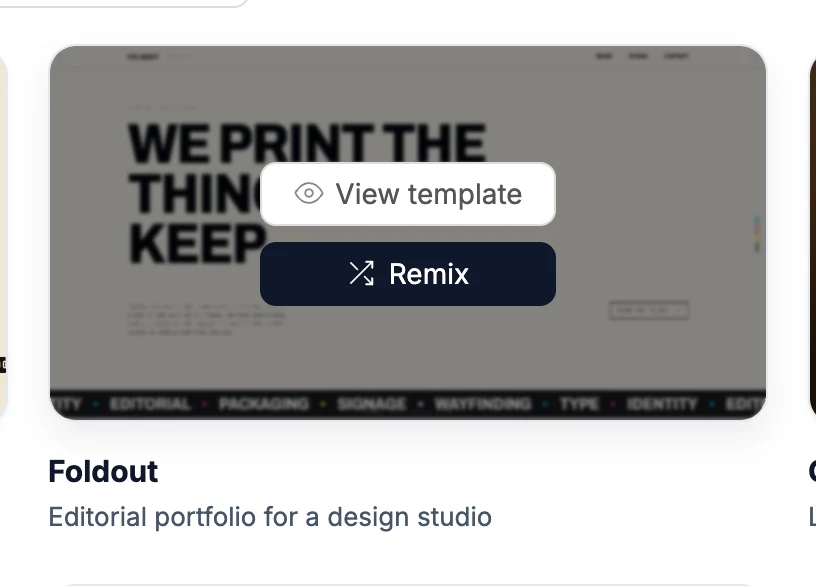
The preview frames the template's live site, so what you see is the real thing running, not a picture of it. Use the device buttons to check it at desktop, tablet and phone widths, or the open-in-new-tab button to explore it in its own window.
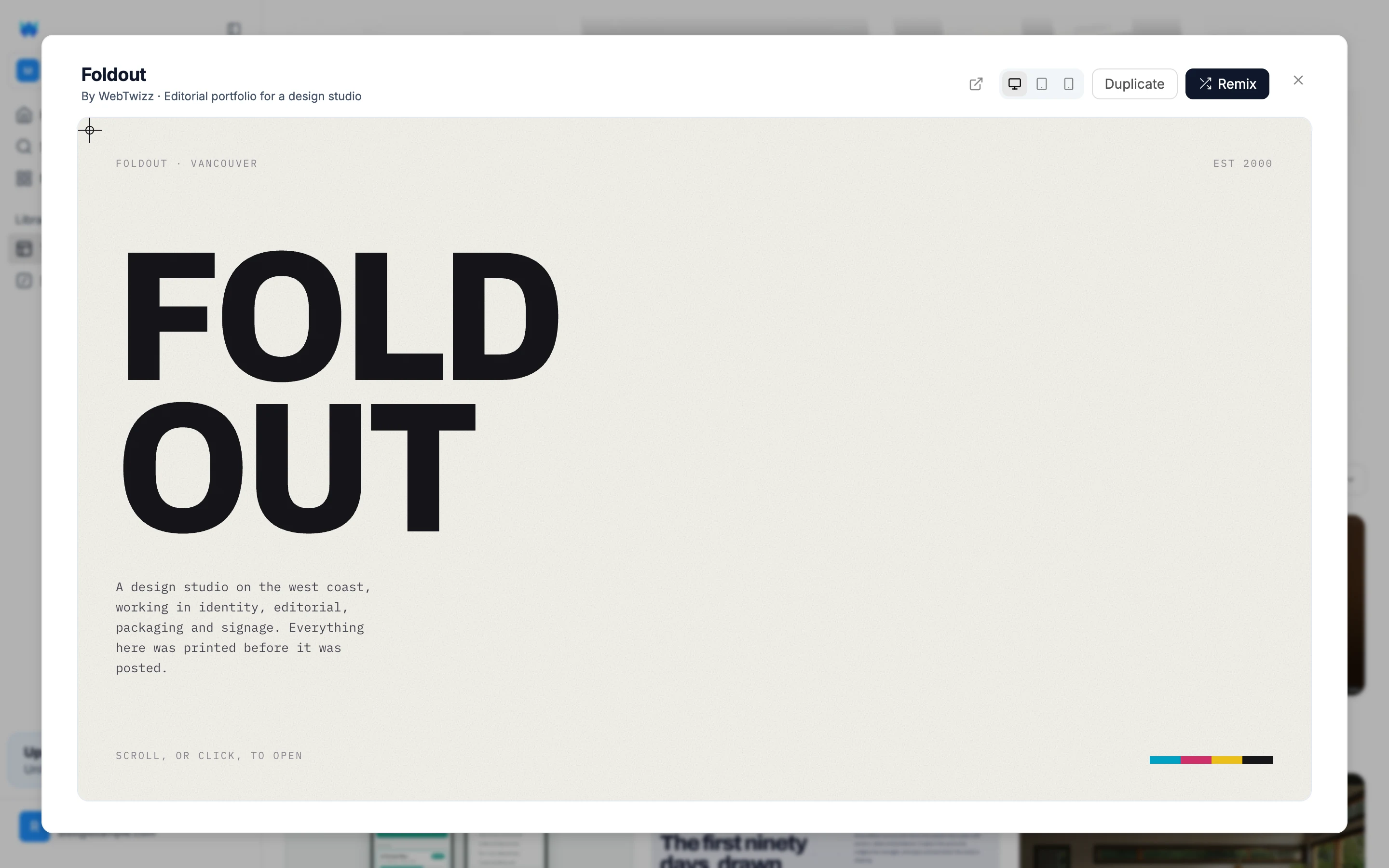
Using a template
There are two ways to take a template, and they differ in what happens next.
Remix attaches the template to the prompt box on the dashboard home. Describe what you want changed, in the same way you'd start any project, and the AI builds from the template instead of from a blank page. Your message is the instruction laid over the template, so "make it for a dental clinic in Leeds" lands on a working site rather than an empty one. The chat shows a Remixed from card so you can always see where the project started.
Duplicate takes the template exactly as it is. You'll be asked to name the new project, and it opens straight in the builder with nothing changed. Use this when you want to explore the code first or make the changes yourself.
Either way the result is a normal project in your workspace. Every file is yours to edit, and publishing works the same as for anything you built from scratch.
From the website
The gallery is also on webtwizz.com/templates, with the same preview. Remix works there even when you're signed out: create your account or log in, and you land on the dashboard with the template already attached to the prompt box.