Your first project
There are three ways to start: describe what you want, start from a template, or start from a blank page. All three begin on Home in the dashboard.
Describe it
Home greets you by name above a prompt box. Type what you want to build and press Enter. For example:
"A booking site for my barbershop where customers pick a barber and a time, with a deposit at checkout"
Say what the site is for and who uses it. "A class schedule for my yoga studio with drop-in booking" gives the AI far more to work with than "a website". You don't have to get it perfect. Once the first version exists, you keep talking to the AI in the builder to change anything.
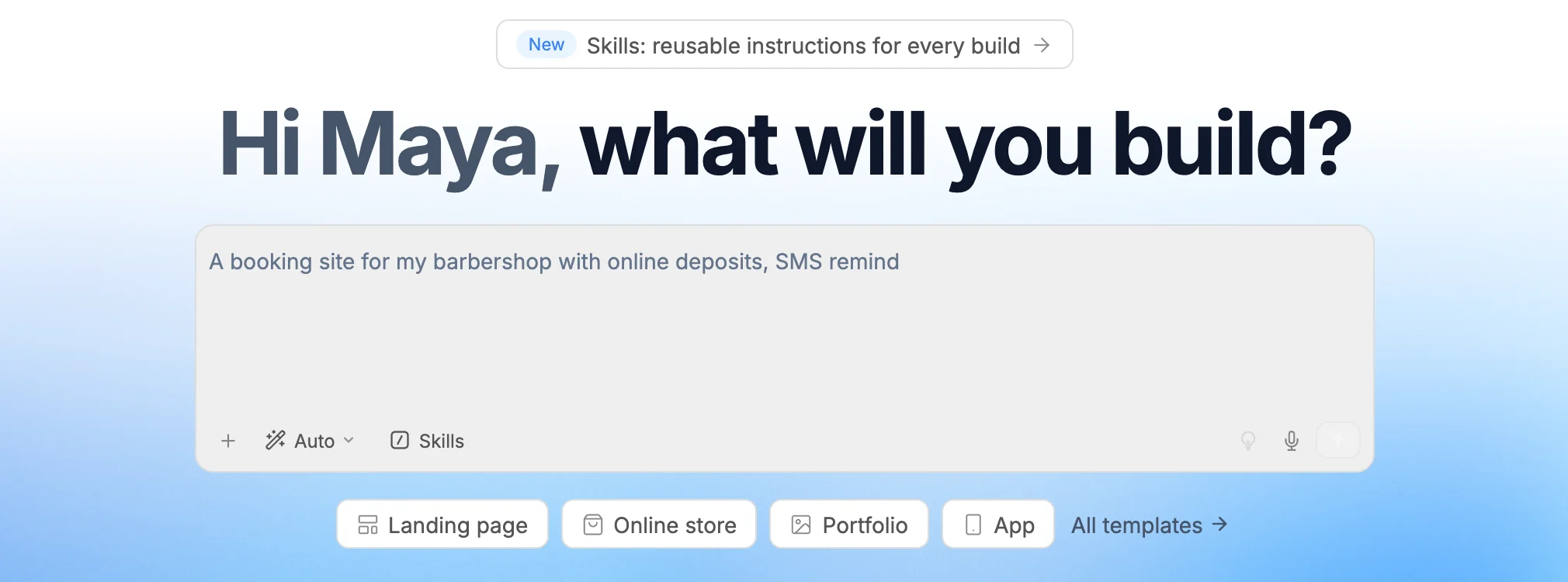
The prompt box has the same controls as the chat in the builder:
- + opens Upload Image and Upload File. Attach a screenshot for the AI to match, or a document, spreadsheet, code file or ZIP archive for it to read.
- The mode menu starts on Auto, which picks the right engine for each request. You can also choose Normal or Max. See AI chat for what each mode does.
- Skills attaches a skill, a reusable set of instructions. You can also type
/to pick one. - The lightbulb (Enhance prompt) rewrites your prompt with more detail before you send it.
- The microphone (Voice input) lets you dictate, in browsers that support it.
Press Enter to send, or Shift+Enter for a new line. WebTwizz creates the project and opens it in the builder, where you can follow each step in the chat as the AI writes your pages.
The project is named after what you asked for, so a prompt about a barbershop won't leave you with a list of projects called "New Project". Rename it any time from its card on the dashboard.
Start from a template
Below the prompt box are quick-start buttons such as Landing page, Online store, Portfolio and App. Each one attaches a finished template to the prompt box. Hover a button to see which template it starts from.
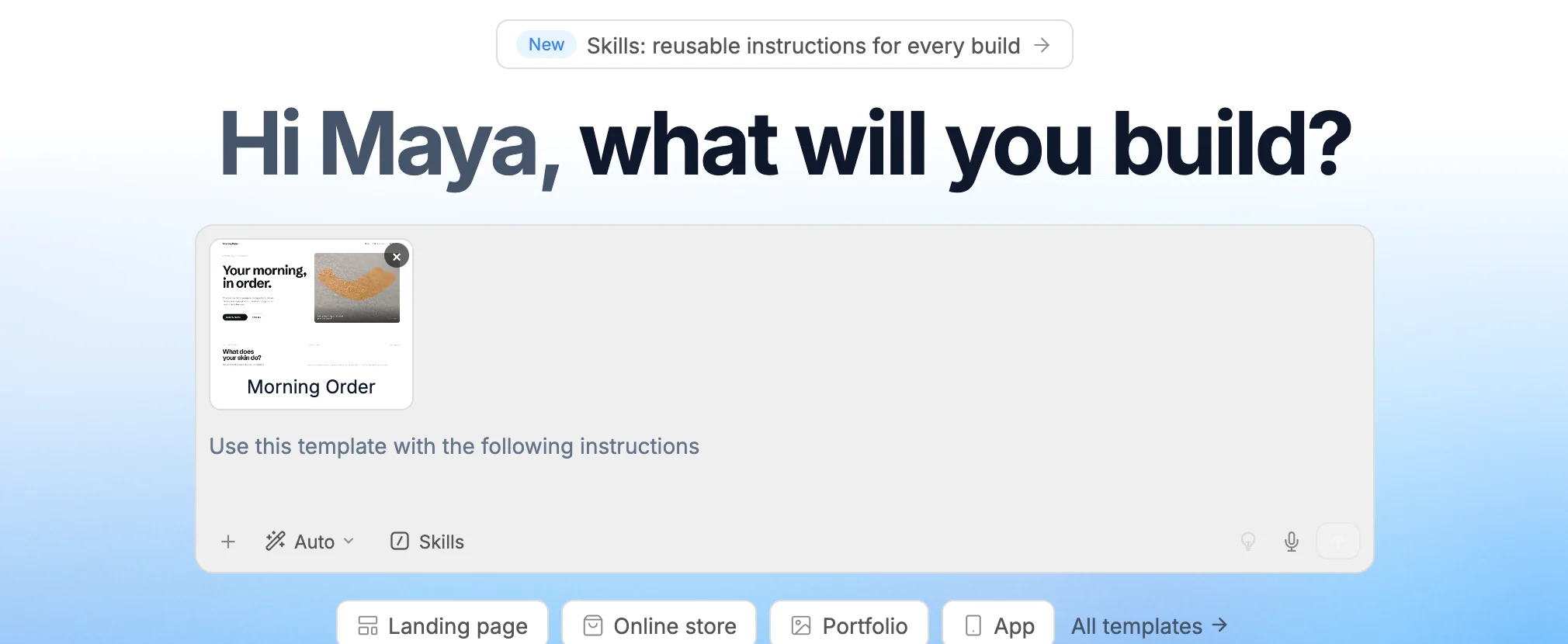
With a template attached, the placeholder reads "Use this template with the following instructions". Describe what to change, like "make it for a dental clinic in Leeds", and send. The AI builds from the template instead of from an empty page. To detach it, click the same button again or remove the template card from the prompt box.
Click All templates to browse the full gallery. See Templates.
Start from a blank page
- Open My projects in the sidebar.
- Click New project in the top right.
- Enter a Project name and click Create project.
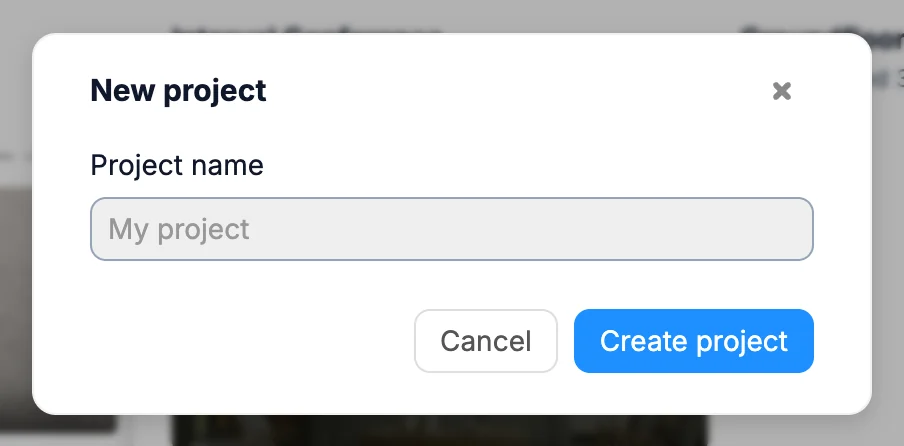
The project opens in the builder, ready for you to prompt or build by hand.
What's next
- Builder overview to find your way around the canvas and panels
- AI chat to keep changing your site by describing what you want
- Preview and publish when you're ready to go live