Create your account
Sign up with Google or with your email address. Every new account starts on the free Starter plan, so you can build and publish without a card.
Sign up
- On webtwizz.com, click Get started.
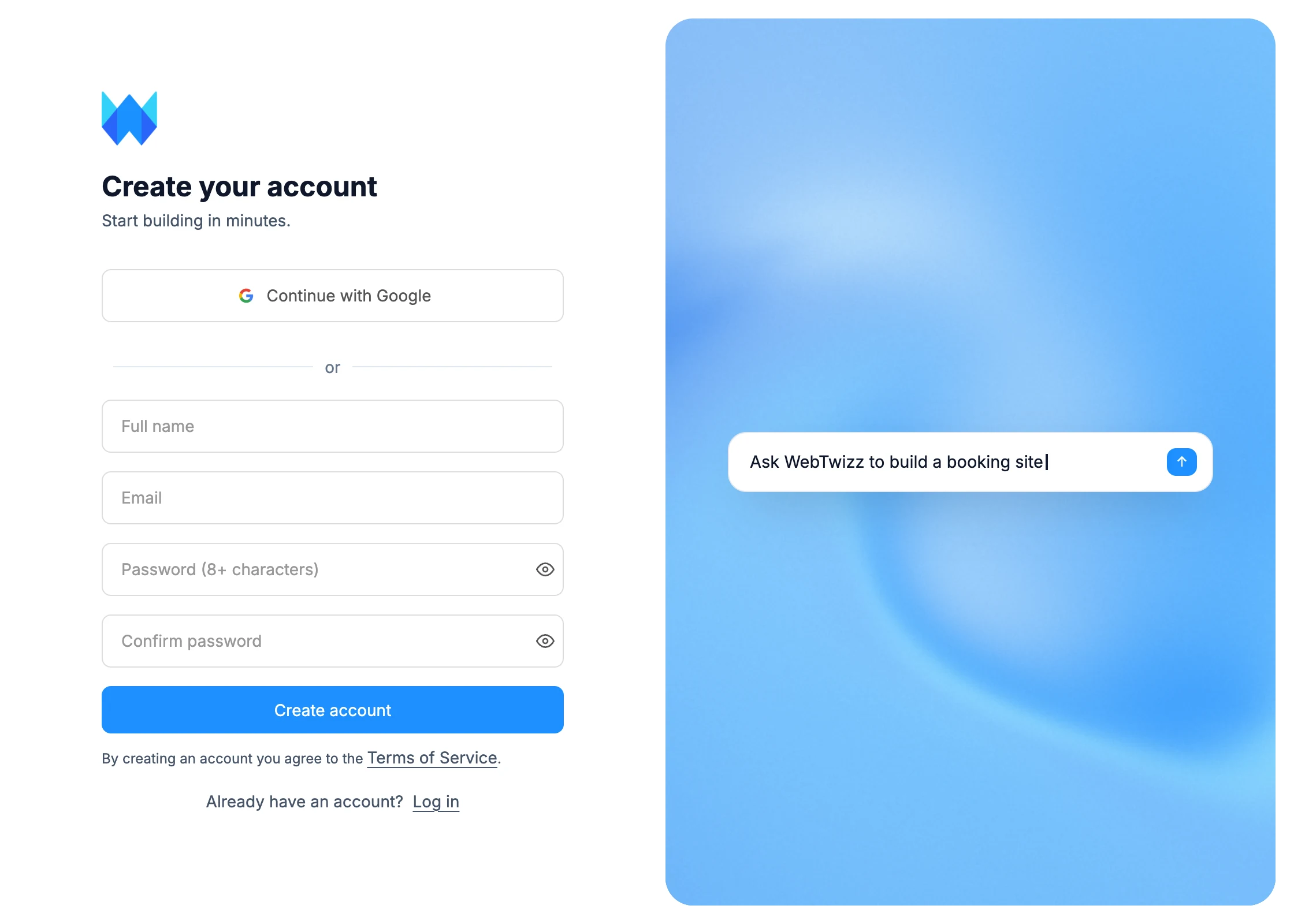
- Click Continue with Google, or fill in your Full name, Email and a password of at least 8 characters, then click Create account.
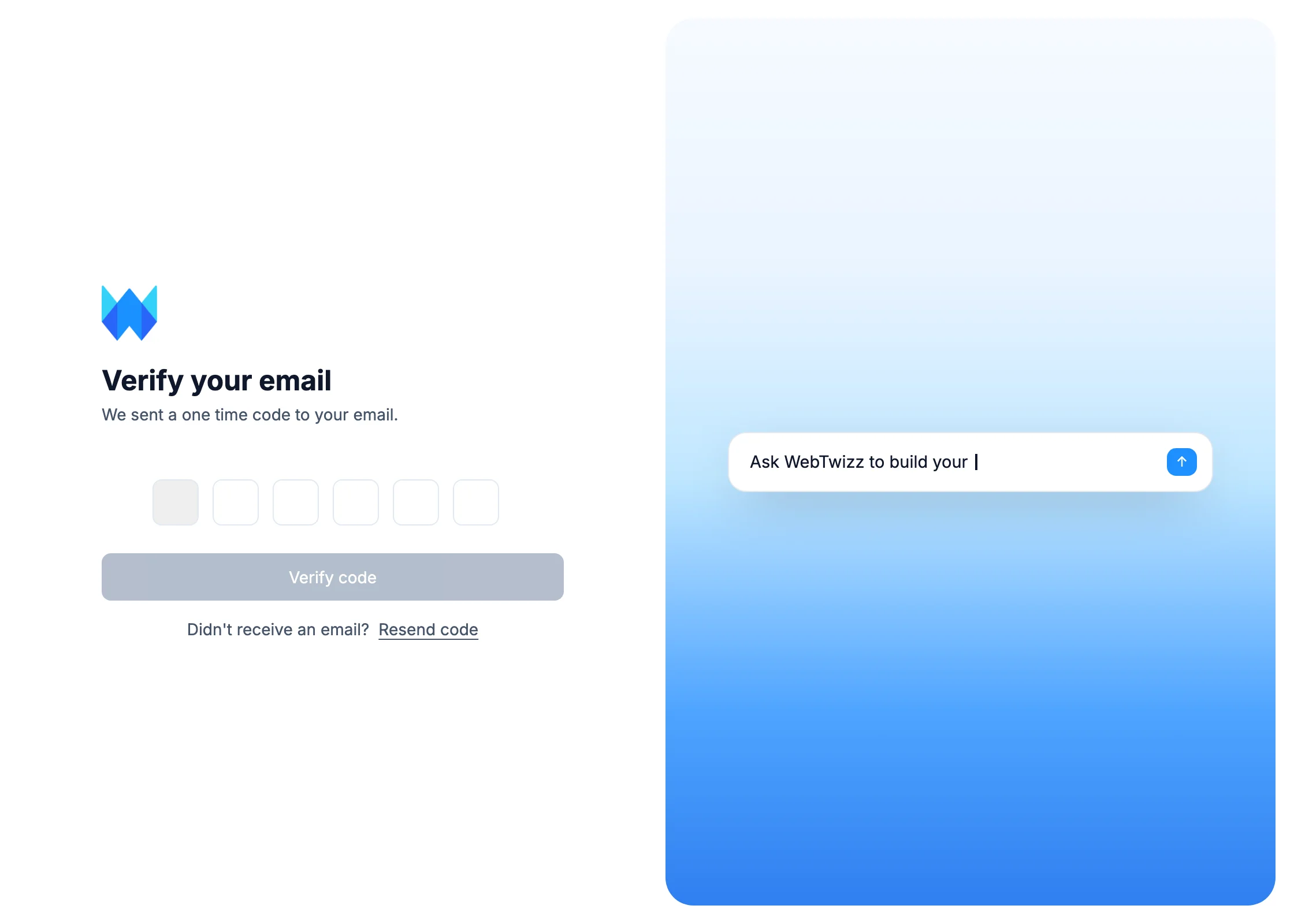
- If you signed up with email, check your inbox for a 6-digit code. Enter it on the Verify your email screen and click Verify code.
Codes expire after 15 minutes. If yours doesn't arrive or runs out, click Resend code. Signing up with Google skips this step.
Once you're verified, you land on your dashboard. If you typed an idea into the prompt box on webtwizz.com before signing up, it's waiting for you there.
What the free plan includes
- 100 credits to start, given once
- 10 free credits a day, up to 50 a month
- 1 published site on a free webtwizz.app address
- The builder, AI chat, templates, skills, collections and data sources
Credits pay for AI messages. See Payments and billing for the paid plans and what they add.
Log in
- On webtwizz.com, click Log in.
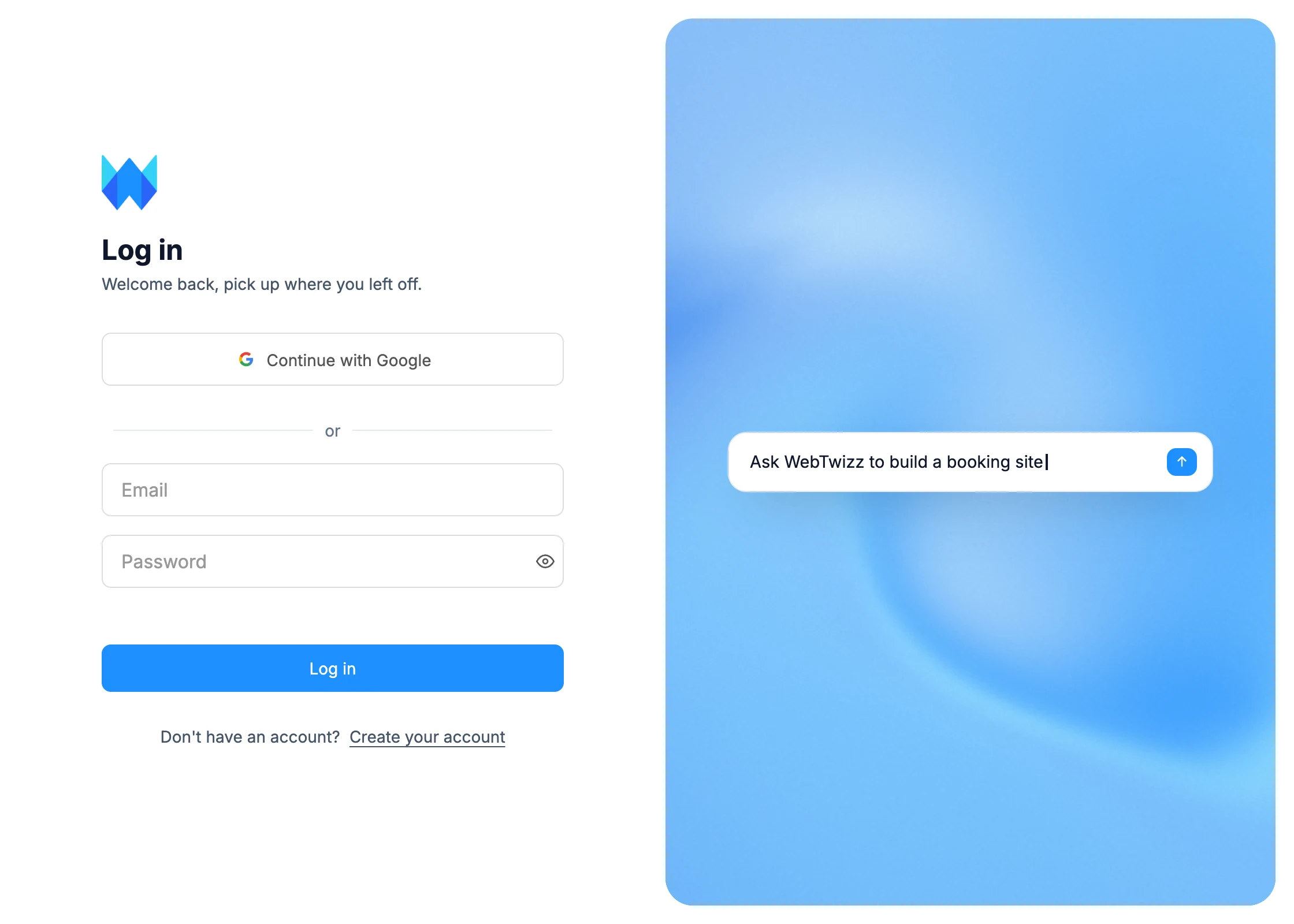
- Click Continue with Google, or enter your Email and Password and click Log in.
A Last used tag marks the way you signed in last time.
Forgot your password?
- On the login page, start typing in the password field. A Forgot your password? link appears below it.
- Enter your email and click Send reset link.
- Open the link in the email, enter a new password twice, and click Reset password.
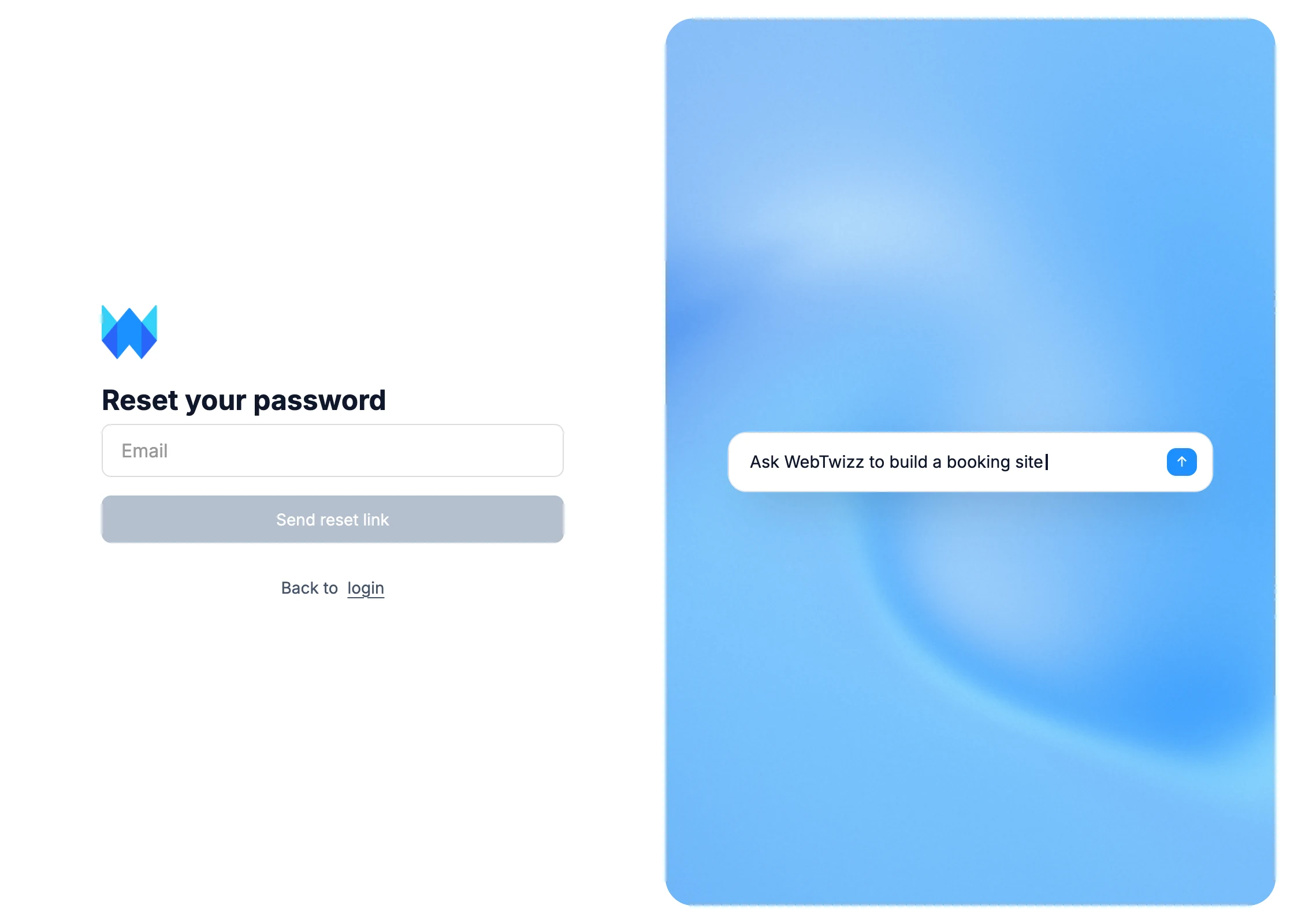
Reset links expire after 60 minutes. If yours has expired, request a new one.
To change your password while you're signed in, go to Settings > Profile and click Update next to Password. See Account settings.