Account settings
Click your name at the bottom of the dashboard sidebar, then Settings. You can also press ⌘K / Ctrl+K in the dashboard and search for Profile, Subscription, Usage or Sessions.
The settings page has five tabs: Profile, Subscription, Usage, Sessions and Close Account.
The same menu under your name holds Appearance, where you pick Light, Dark or System. System follows your operating system's setting. The menu also has Support, Documentation and Sign out.
Profile
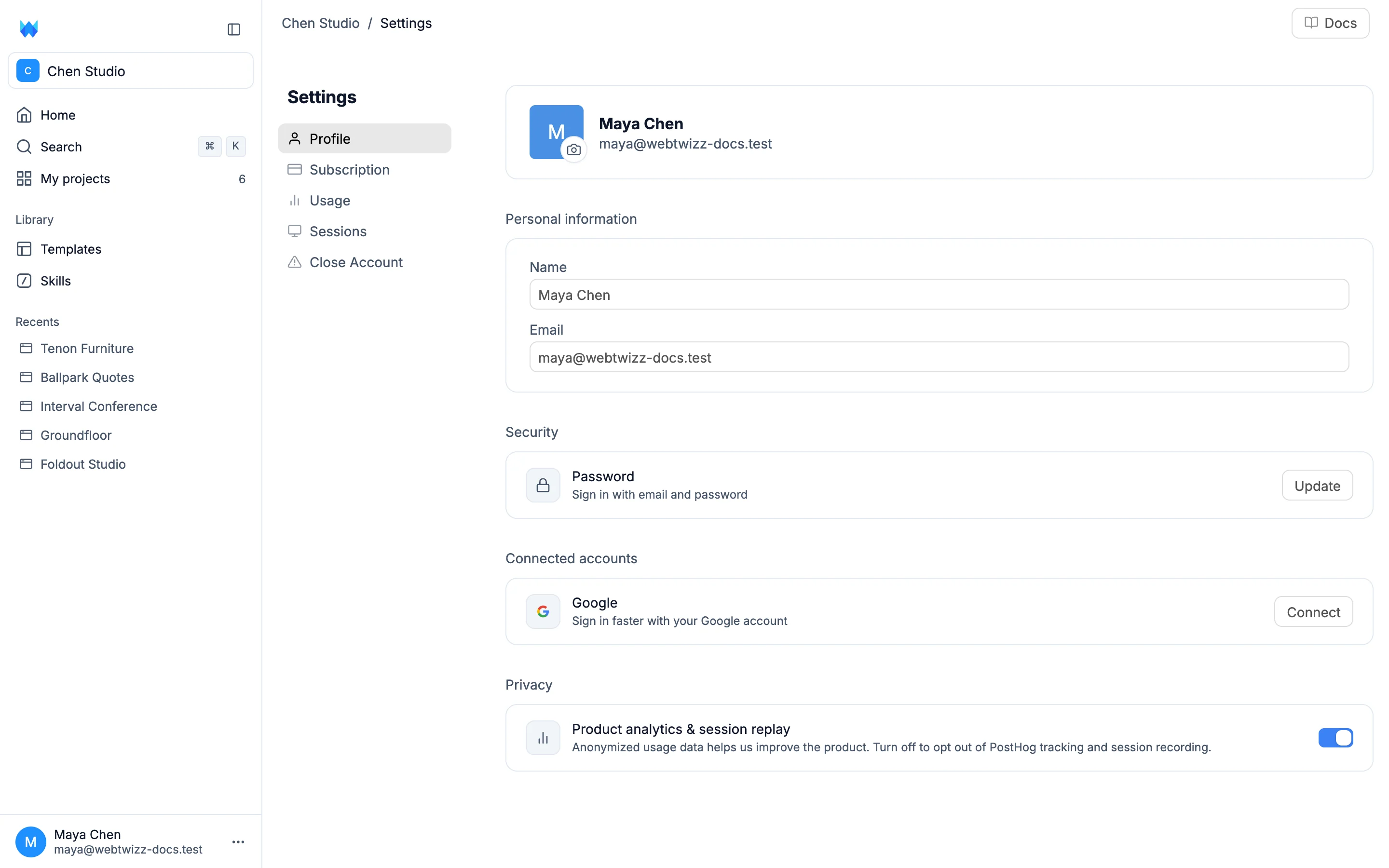
- Photo: click the camera button on your avatar to upload one. Click the trash button to remove it.
- Name and Email: edit either one and a bar appears at the bottom reading You have unsaved changes. Click Save changes to keep them, or Discard.
Changing your email sends a code to the new address. Enter it under Confirmation code and click Confirm email. You stay signed in with your old address until you confirm.
Security
Password: click Update to set a new password.
Connected accounts
Google: click Connect to sign in with your Google account, or Disconnect to stop.
Privacy
Product analytics & session replay: anonymized usage data that helps improve WebTwizz. Turn it off to opt out of tracking and session recording.
Subscription and Usage
These tabs cover your plan, credits, auto top-up and credit history. See Payments and billing.
Sessions
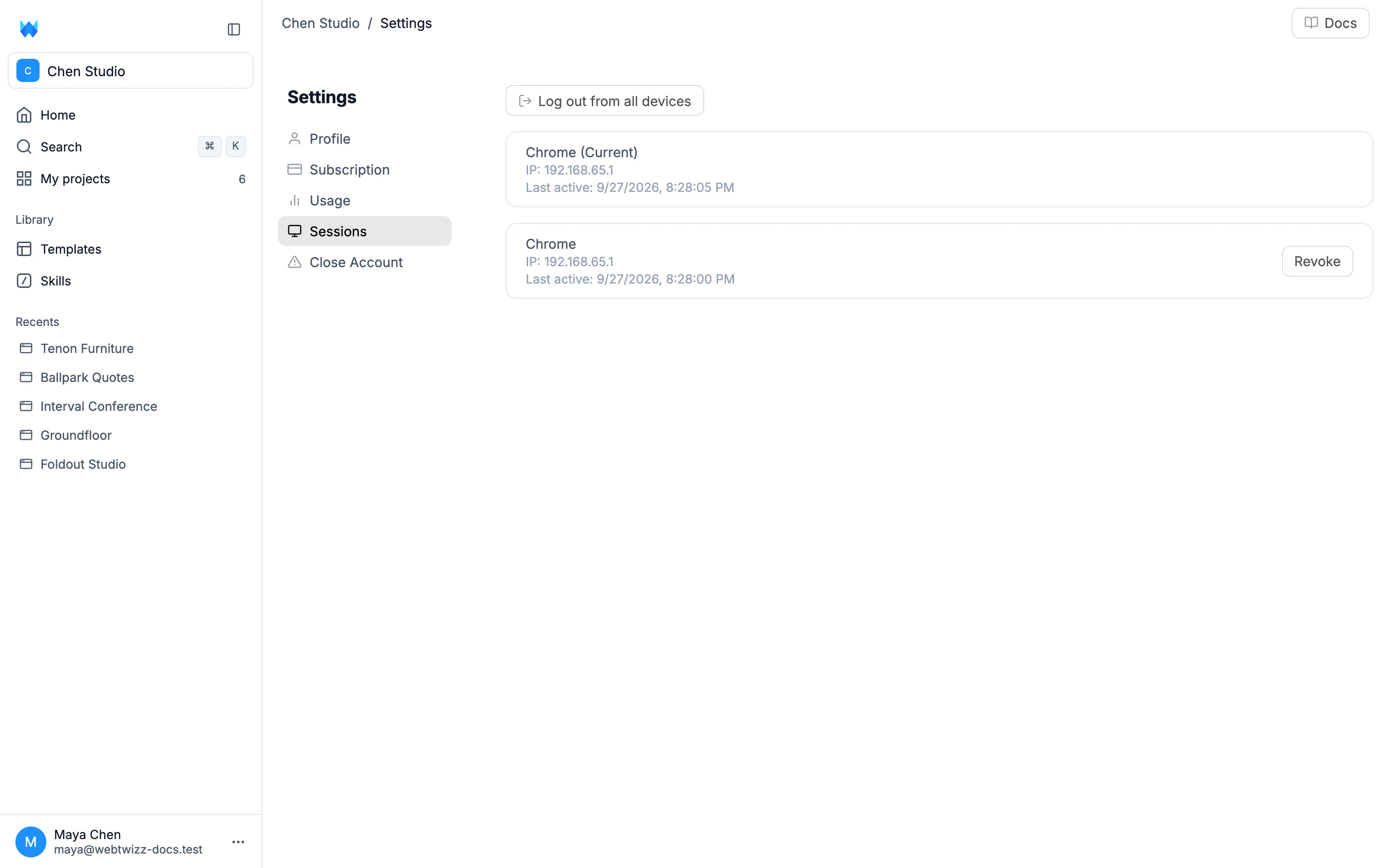
Every device where you're signed in is listed with its browser, IP address and when it was last active. Your current session is marked (Current).
Click Revoke to sign out one session, or Log out from all devices to sign out everywhere.
Close account
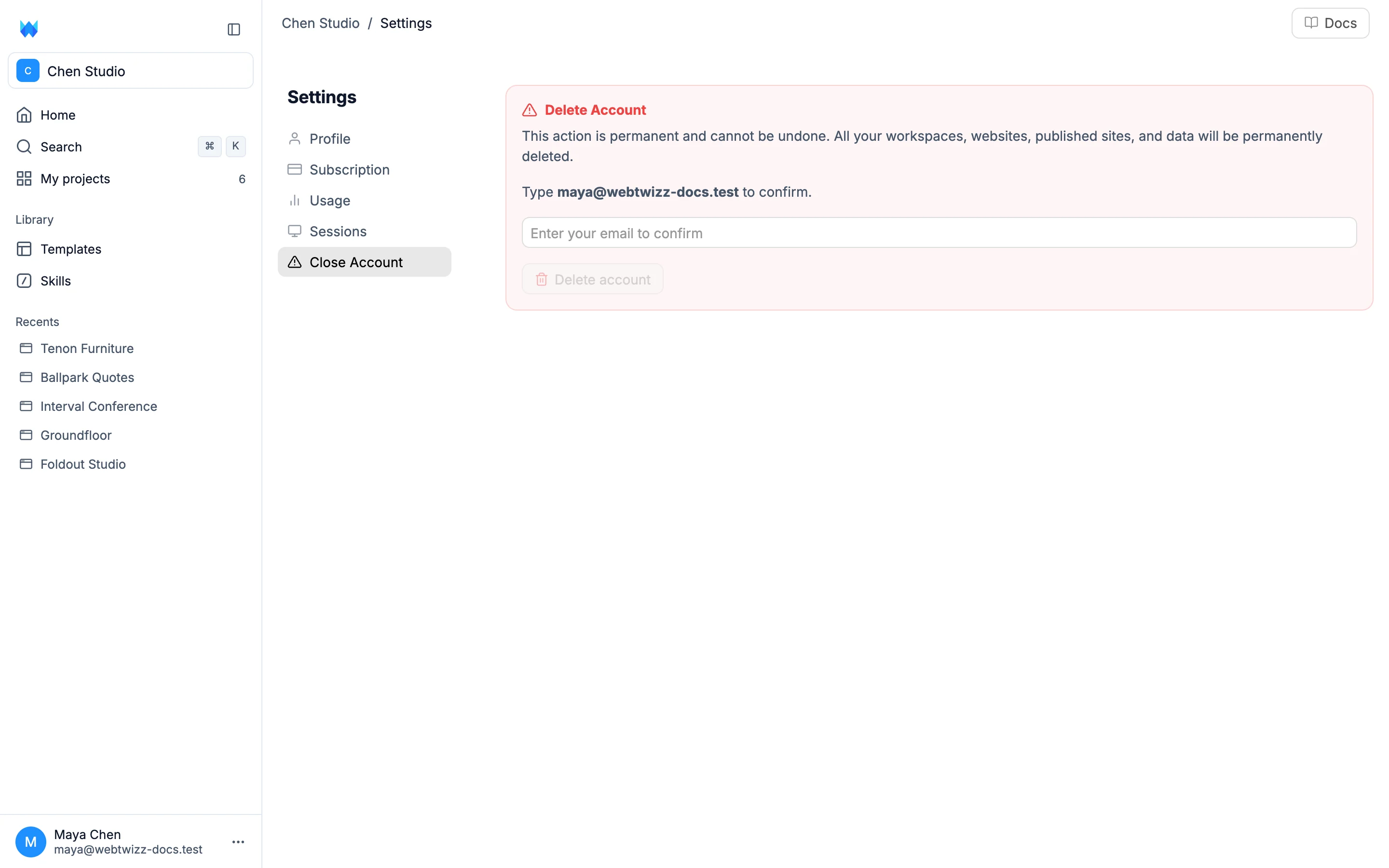
This is permanent and can't be undone. All your workspaces, websites, published sites and data are deleted.
Type your account email to confirm, then click Delete account.