Version History
View and restore previous versions of your site from Settings > Version History.
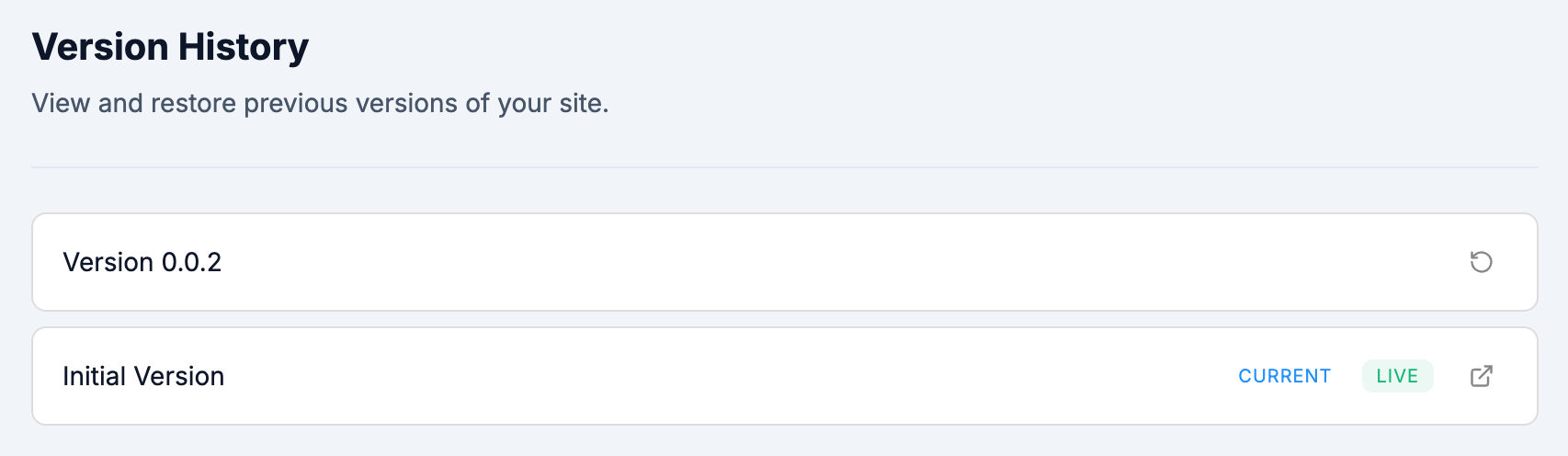
Each version shows its name and status:
- CURRENT - the version you're currently editing.
- LIVE - the version that is published and visible to visitors.
Click the restore icon next to any version to roll back to that state.