Reordering sections
Your page is made of sections and elements stacked together. You can change their order by dragging on the canvas or in the Layers panel. Both need Edit mode.
Drag on the canvas
- Press on a section or element and start dragging. It fades while you move it.
- A line shows where it will land among the elements next to it.
- Release to drop it there.
Press Esc while dragging to cancel.

Dragging moves an element within its own container. To move it into a different container, select it and cut it (⌘X / Ctrl+X), select the container, then paste (⌘V / Ctrl+V).
Drag in the Layers panel
- Open the Layers panel in the left sidebar.
- Drag a layer up or down among the layers at the same level.
- The canvas updates to the new order.
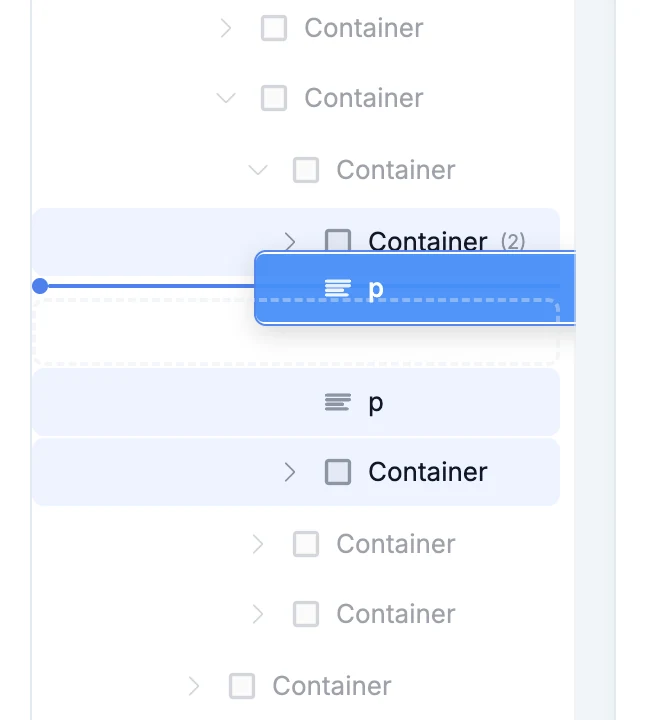
See Layers panel for more.
Undo a move
Press ⌘Z / Ctrl+Z to put things back.