GitHub
Keep a copy of your site's code in your own GitHub repository. Save your progress there, bring in changes you made elsewhere, and roll the whole site back to the last saved version - all by asking the AI in plain language.
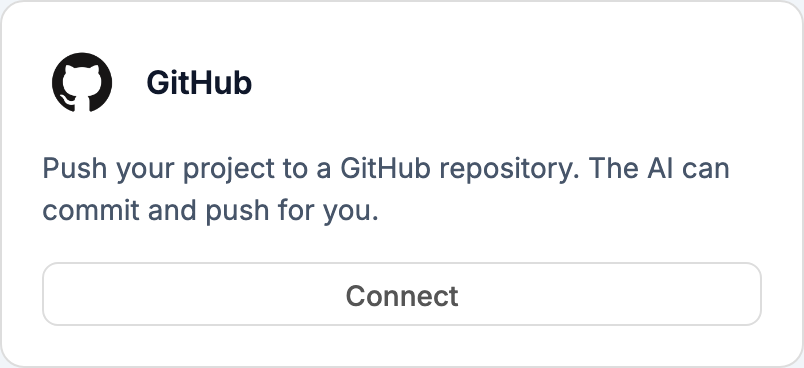
Connecting
Click Connect to authorize Webtwizz with your GitHub account. After you approve, you pick where the code should live:
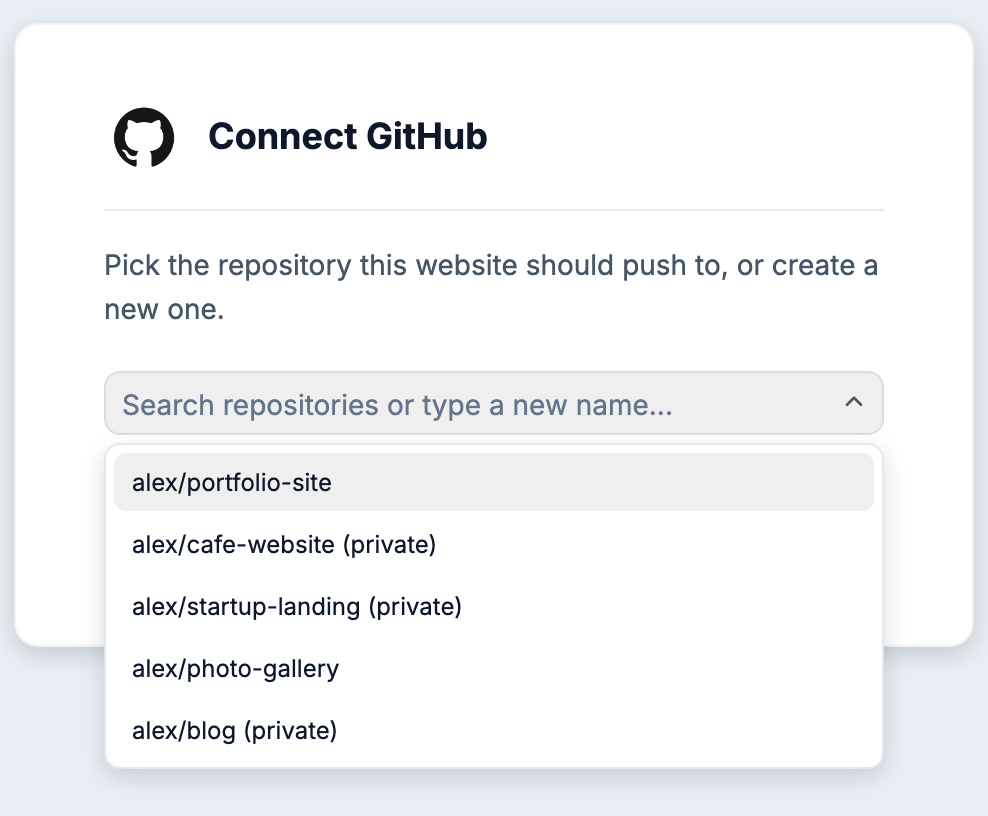
- Choose an existing repository from the dropdown, or
- Type a new name and Webtwizz creates a private repository for you
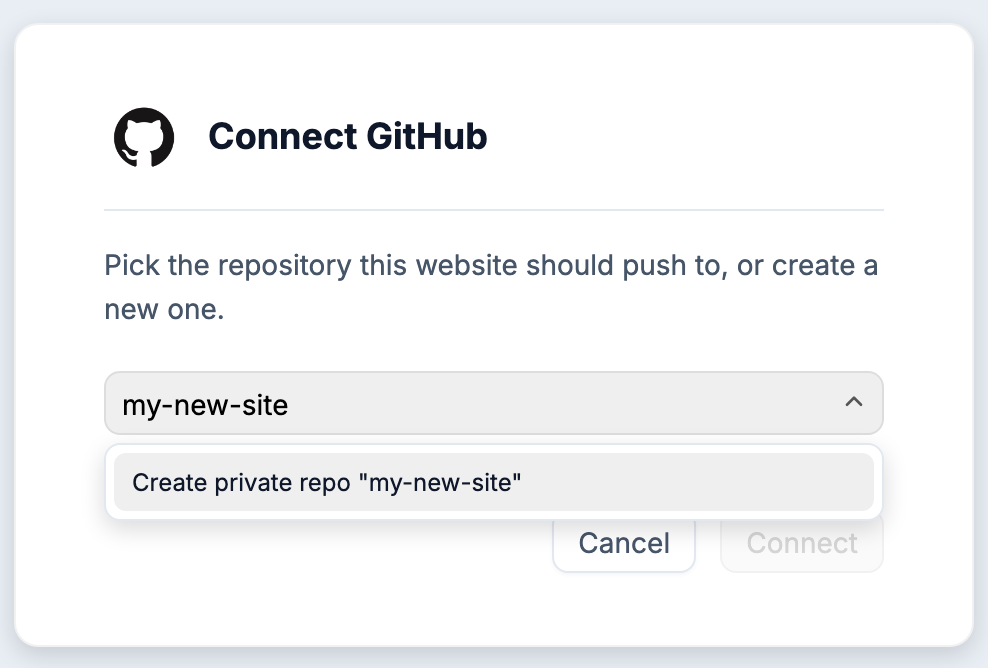
That's it. No tokens to paste, no setup on the GitHub side.
Using it
Once connected, just tell the AI what you want in the chat:
| You say | What happens |
|---|---|
| "Save my code to GitHub" | Commits your site and pushes it to your repository |
| "Pull the latest from GitHub" | Brings in changes from the repository and merges them with your site |
| "Restore my site from GitHub" | Discards the site's current changes and restores the last saved version |
| "Show the last commits" | Lists the recent history of your repository |
Each operation shows a card in the chat with its progress and result.
Working on your code elsewhere
The sync goes both ways, which means you can work outside Webtwizz whenever you want:
- Save your site to GitHub from the chat
- Clone the repository on your computer and edit in your favorite editor - or let a coding tool like Cursor work on it
- Push your changes to GitHub
- Back in Webtwizz, say "pull the latest from GitHub" and your changes appear in the site
If you changed different files in both places, everything merges automatically. If the same file was changed in both places, the AI asks you one question: keep your site's version or the GitHub version.
What gets saved
Your repository stays clean. Webtwizz commits your site's actual source code and leaves out the things that don't belong in a repository: dependency folders, lock files, environment secrets, and Webtwizz's internal builder files. What lands on GitHub is a standard Next.js project you can run anywhere.
Disconnecting
Click Disconnect on the card. Your repository and everything in it stay exactly as they are - disconnecting only removes Webtwizz's access.