PostHog
Measure product usage with events, funnels, and user analytics.
Getting your Project API Key
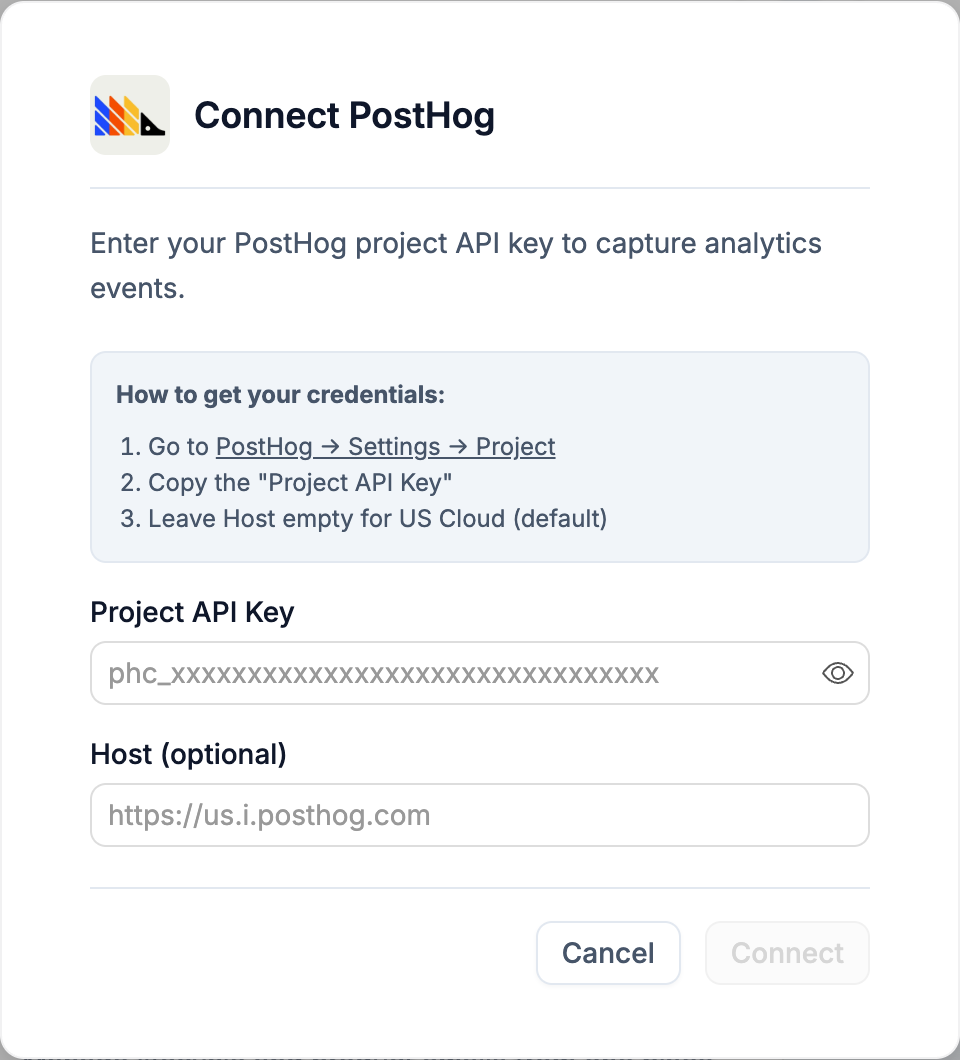
- Go to PostHog → Settings → Project
- Copy the Project API Key
- Leave Host empty for US Cloud (default), or paste your EU/self-hosted URL
Environment variables
NEXT_PUBLIC_POSTHOG_KEY- your project API key, safe to expose in the browserNEXT_PUBLIC_POSTHOG_HOST- PostHog host URL (defaults tohttps://us.i.posthog.comif left blank)
Disconnecting
Click Disconnect on the card to remove both variables. Your PostHog project and events are untouched.