Intercom
Add in-app chat and support messaging to your product.
Getting your App ID
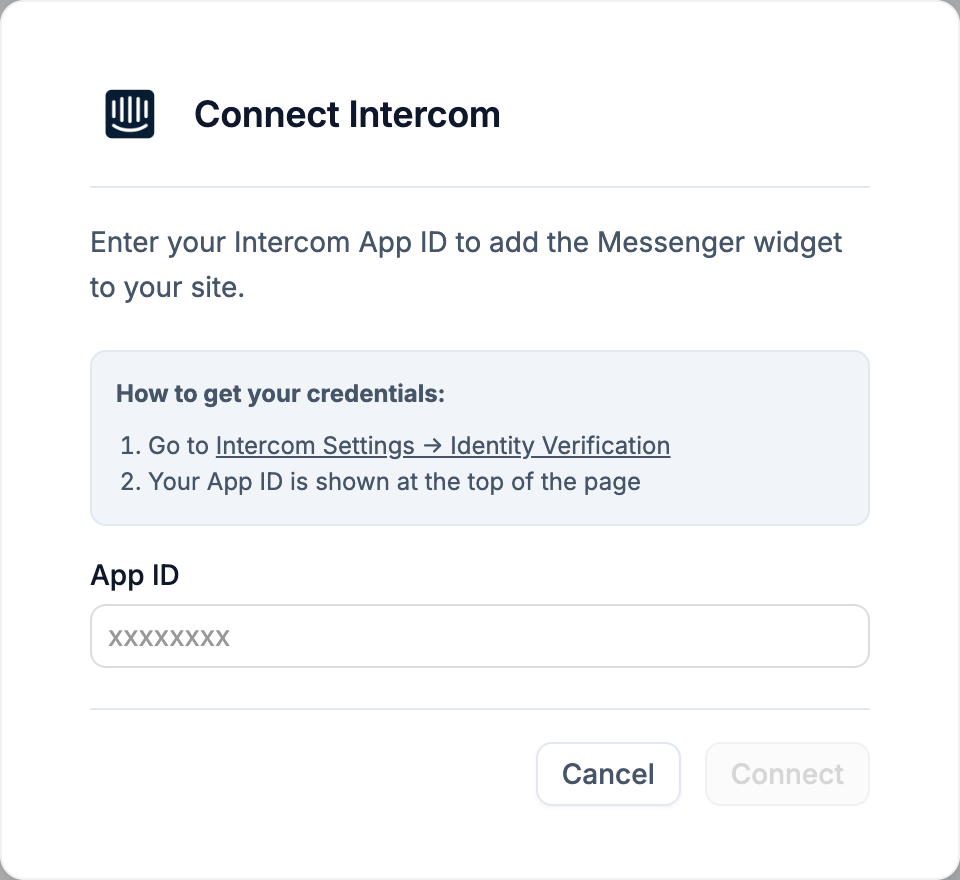
- Go to Intercom Settings → Identity Verification
- Your App ID is shown at the top of the page - copy it
Environment variables
NEXT_PUBLIC_INTERCOM_APP_ID- your Intercom app ID, used by the Messenger widget in the browser
Disconnecting
Click Disconnect on the card to remove NEXT_PUBLIC_INTERCOM_APP_ID. Your Intercom workspace and conversations are untouched.