Stripe
Accept payments and manage subscriptions with Stripe Connect.
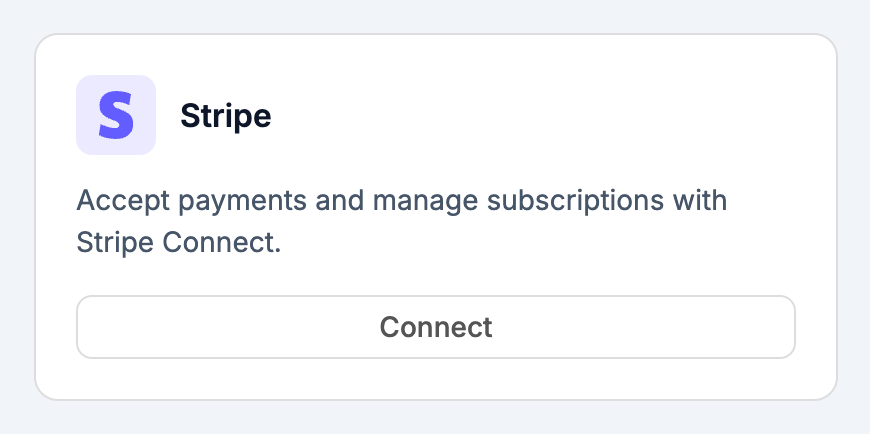
Connecting
Click Connect to start the Stripe Connect OAuth flow. Stripe will ask you to either:
- Sign in to an existing Stripe account, or
- Create a new one
After you authorize Webtwizz, you're redirected back and the card flips to Connected.
Environment variables
Webtwizz adds the following to your project after a successful connection:
NEXT_PUBLIC_STRIPE_PUBLISHABLE_KEY- public key, safe to use in the browserSTRIPE_PUBLISHABLE_KEY- same publishable key, for server-side libraries that expect the unprefixed nameSTRIPE_SECRET_KEY- secret key, server-side onlySTRIPE_ACCOUNT_ID- your connected account's ID
Disconnecting
Click Disconnect on the card to remove the environment variables. Your Stripe account, customers, and charges are untouched - disconnecting only severs the link between this Webtwizz site and your Stripe account.