Loops
Send lifecycle and marketing email, like welcome series, newsletters and order emails, from one place.
Connect
- Open Settings > Connectors, click Loops, then Connect.
- Go to app.loops.so/settings → API and copy your API key.
- Paste it into API Key and click Connect.
WebTwizz checks the key with Loops before saving it. If Loops rejects it, you'll see Invalid API key.
What you see
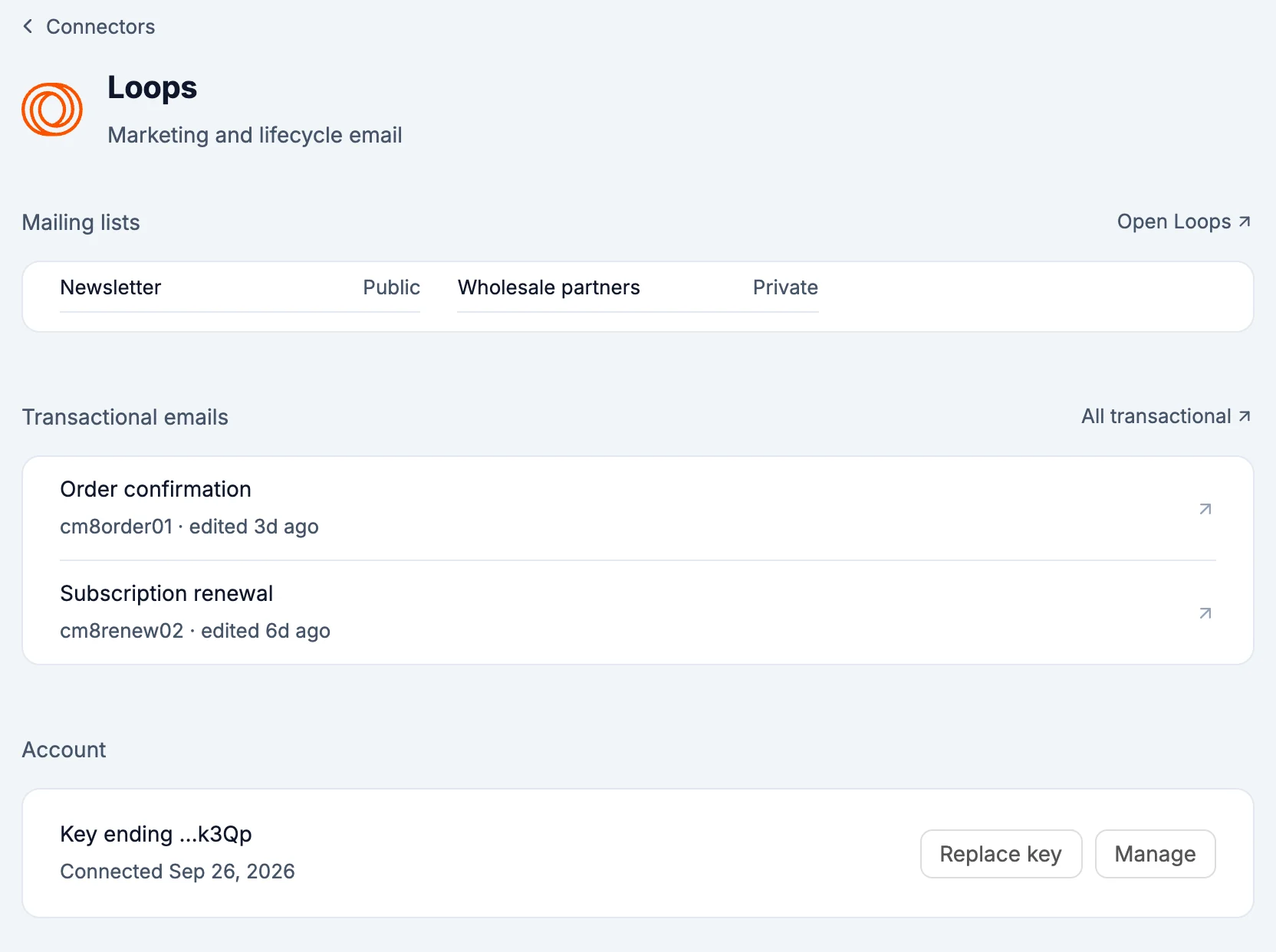
- Mailing lists: each list and whether it's public or private. Open Loops opens your audience.
- Transactional emails: each one with its ID and when it was last edited. All transactional opens Loops.
- Account: the key this project uses, with Replace key.
What the AI can do
- Read your mailing lists and transactional emails, so it uses the right list and the right email ID in your code
- Send a test transactional email to your own inbox. It never sends to anyone else, so it doesn't ask first.
Environment variables
LOOPS_API_KEY: your Loops API key, server-side only
Good to know
- Loops doesn't share contact counts, so lists show as public or private instead.
- Removing Loops from a project takes
LOOPS_API_KEYout. Your Loops audience and emails are untouched.